OnePlaceMail seamlessly connects Outlook Microsoft 365 (SharePoint, Teams & OneDrives) to improve collaboration, business productivity and records management across the organization.
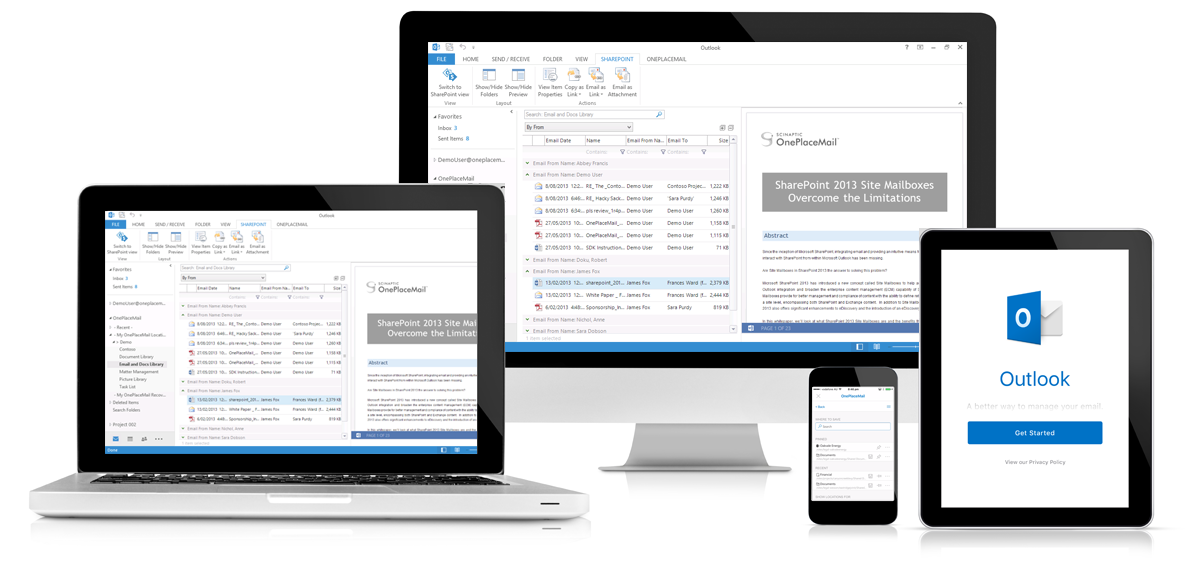

Whatever your Outlook, OnePlaceMail has you covered. Working across all supported Microsoft Outlook environments including macOS, Windows, Web browser, iOS and Android.

Bring SharePoint solutions to where you work, minimise change and ensure everyone is engaged with the solutions delivered on the Microsoft SharePoint, Office 365 environment.

Real productivity from your phone with native Outlook for iOS and Outlook for Android support. Easily save to SharePoint and Microsoft Teams from your phone.

A modern workplace demands flexibility and with support for different devices and form factors, OnePlaceMail is making it easy to be efficient when capturing and classifying content.
